NBA scores on your Lock Screen
Hoopster puts the live score, the clock and every quarter on your iPhone Lock Screen and in the Dynamic Island, from tip-off to the final buzzer, so you can follow the game without opening an app.

- Free to download
- No account needed
- All 30 teams
- iPhone & Apple Watch
Hoopster for Android is coming soon. For now it's on iPhone and Apple Watch.
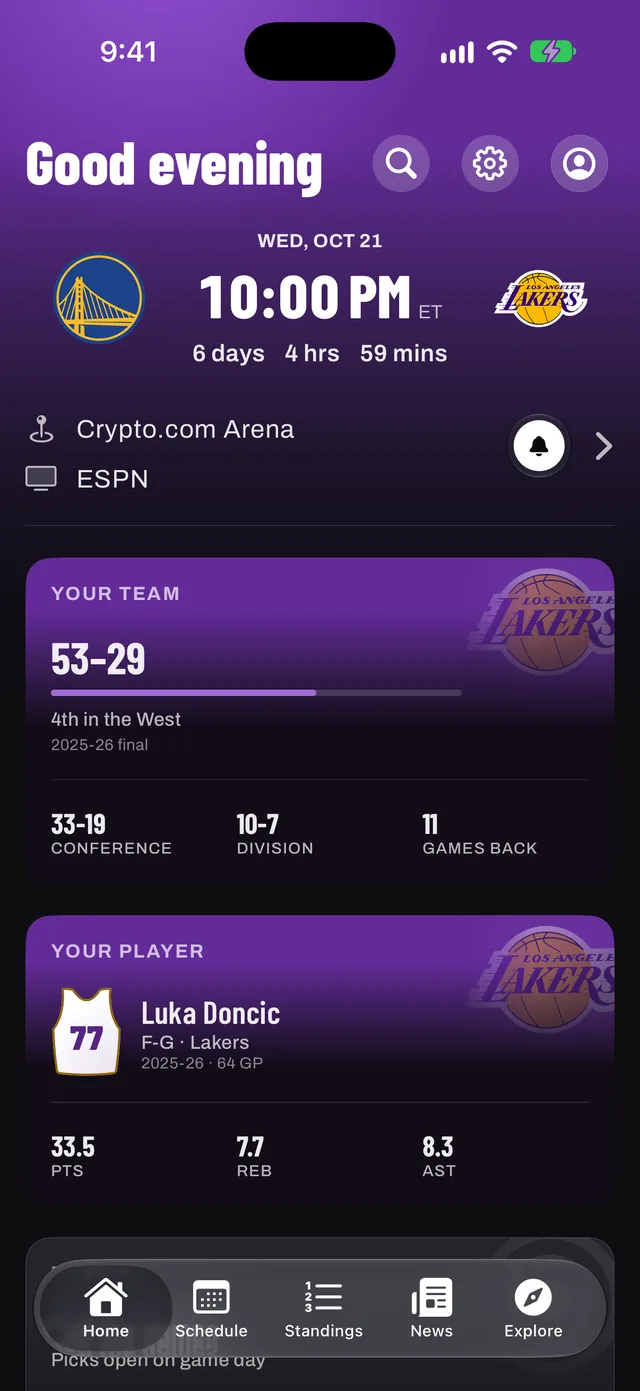
It starts on its own
Follow a team and a live banner appears just before they tip off. You don't have to open Hoopster or remember to start anything.
Want a different game? Open it in Hoopster and tap Track live. Any game can be followed this way.
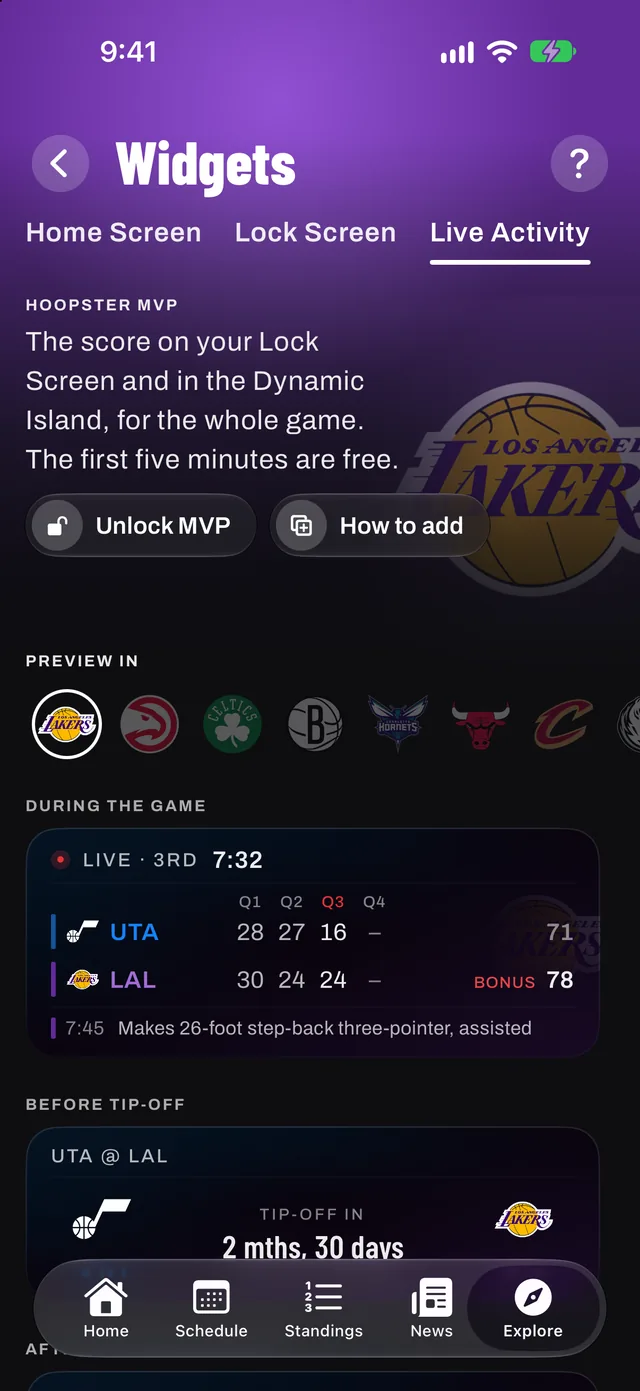
What it shows
- The score and the game clock, updating as the game is played
- Points by quarter
- A countdown before tip-off
- A compact score in the Dynamic Island on iPhones that have one
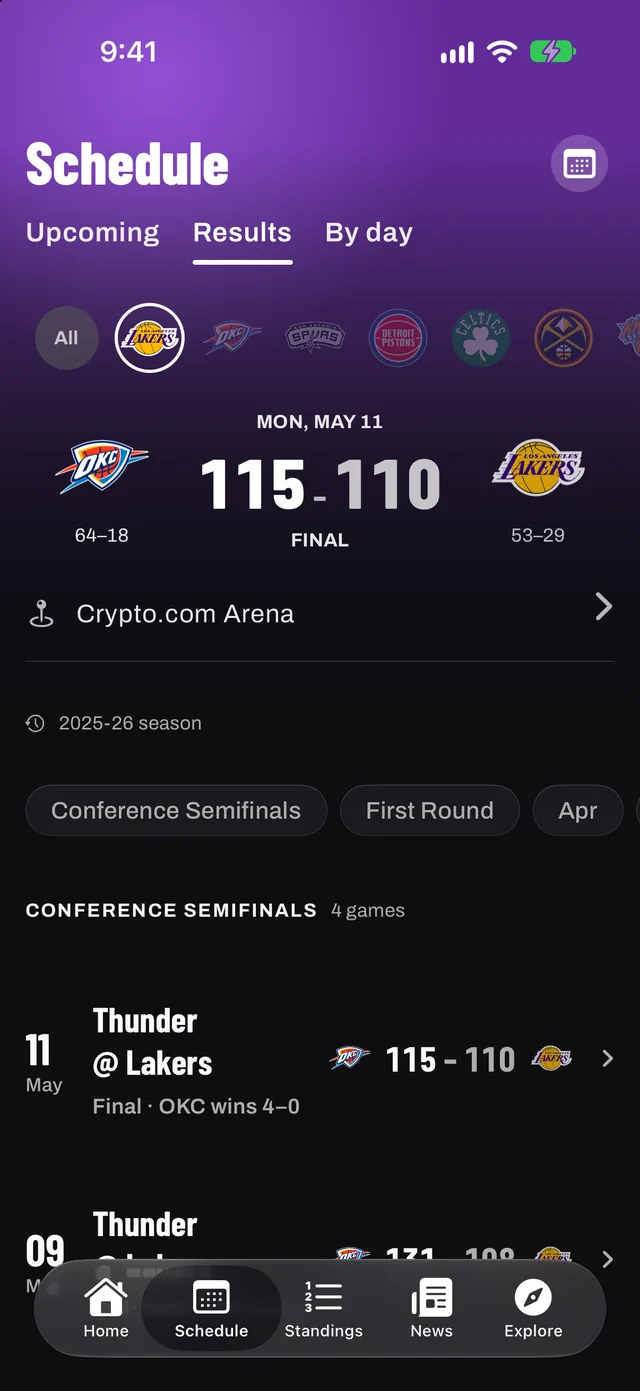
Free, then MVP
Everyone gets the banner. The score is free for the first five minutes of every game, then continues with Hoopster MVP, the optional membership.
MVP keeps the score on your Lock Screen for the whole game, for every team you follow, and adds Apple Watch, eleven widgets and no ads.
How to turn it on
- Download Hoopster and pick your team.
- Make sure Live Activities are allowed: Settings › Hoopster › Live Activities.
- Wait for tip-off. The banner appears on its own just before your team plays.
- For any other game, open it in Hoopster and tap Track live.
Updated
Questions, answered
What is an NBA Live Activity?
A Live Activity is an iPhone feature that keeps a live update on the Lock Screen and in the Dynamic Island. Hoopster uses it to show an NBA game's score, clock and quarters while it is played.
Is Hoopster's Live Activity free?
The banner and countdown are free, and the score is free for the first five minutes of every game. Hoopster MVP keeps the score going for the whole game.
Do I have to start it myself?
No. If you follow a team, the Live Activity starts just before they tip off. You can also start one for any game with Track live.
Which iPhones show it in the Dynamic Island?
iPhones with a Dynamic Island show the score there. On every other supported iPhone, it appears on the Lock Screen. Hoopster needs iOS 26 or later.
Never miss tip‑off
Get Hoopster on your iPhone and pick your team in under a minute.

Hoopster for Android is coming soon. For now it's on iPhone and Apple Watch.

On a computer? Point your iPhone camera here to download Hoopster.
- Free on iPhone, iOS 26 or later
- The whole app in your team's colors
- No account needed
Questions? admin@purplesector.club
