NBA widgets in your team's colors
Hoopster's widgets put your team's next game, tonight's scores, your team's record and your favorite player on your iPhone Home Screen and Lock Screen, and they keep updating while the app is closed.

- Free to download
- No account needed
- All 30 teams
- iPhone & Apple Watch
Hoopster for Android is coming soon. For now it's on iPhone and Apple Watch.
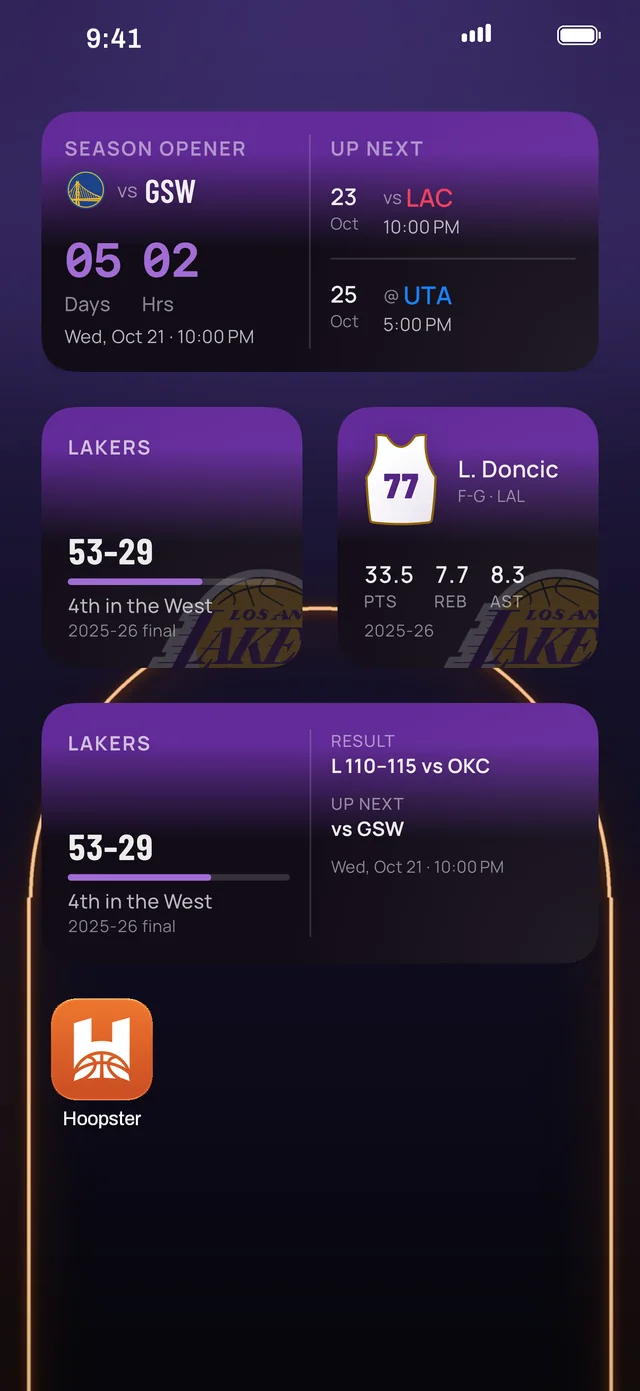
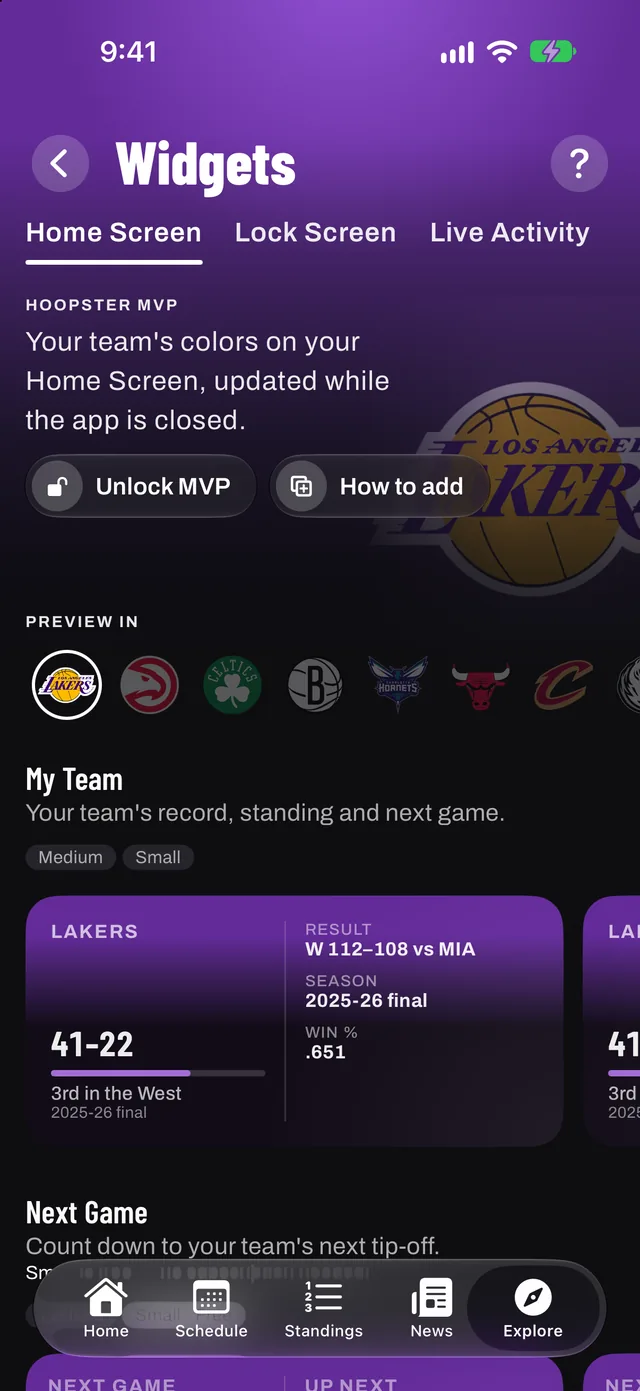
The widgets
- Next Game: a live countdown to tip-off. The small size is free, forever.
- Tonight: the whole night's slate as a live scoreboard
- My Team: record, standing and the next game
- My Player: your favorite player's season
- Headlines: the day's basketball news
They come in every Home Screen size and wear the colors of the team you follow. They refresh around tip-off and again after the final buzzer.
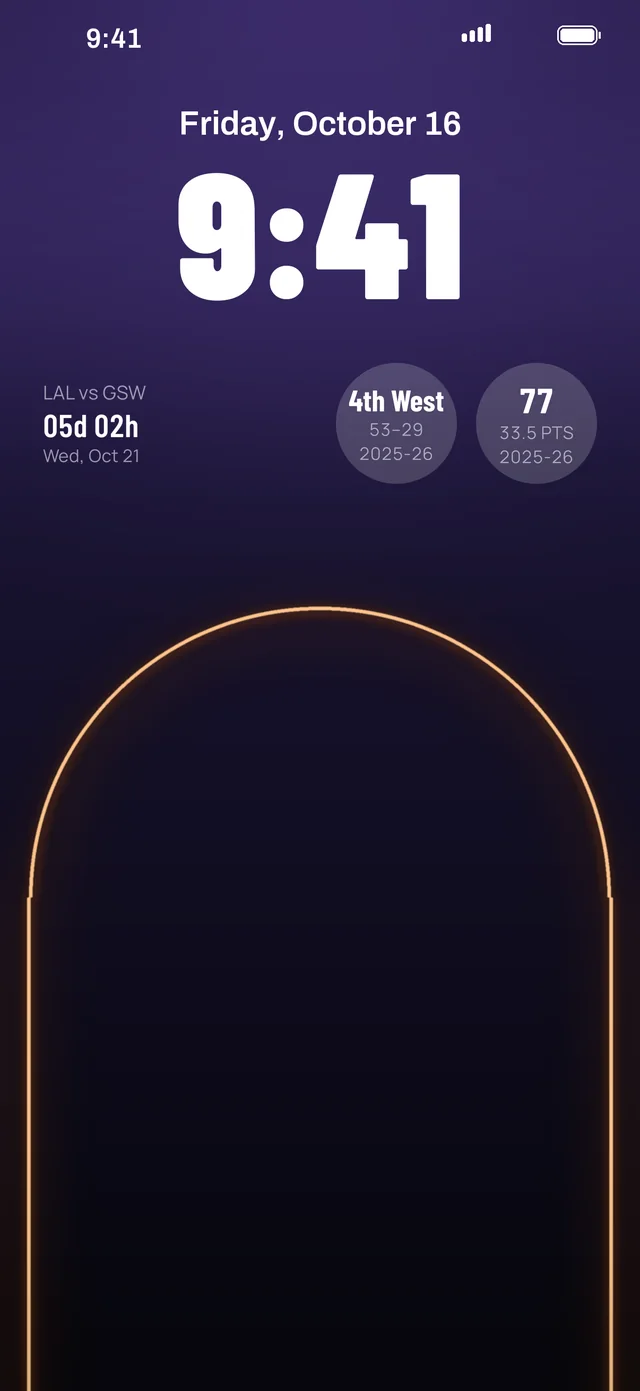
On the Lock Screen
Lock Screen widgets show the next tip-off, the score at a glance and the latest news without unlocking your phone.
Watching later? Hide scores keeps finals hidden until you open the game.
How to add a Hoopster widget
- Download Hoopster and pick your team.
- Touch and hold an empty spot on your Home Screen, then tap Edit › Add Widget.
- Search for Hoopster, choose a widget and size, then tap Add Widget.
- For the Lock Screen: touch and hold the Lock Screen, tap Customize › Lock Screen, then tap the widget area and choose Hoopster.
Updated
Questions, answered
Are Hoopster's widgets free?
The small Next Game countdown is free, forever. Hoopster MVP unlocks the full set of eleven widgets, including Tonight, My Team, My Player, headlines and every Lock Screen widget.
Do the widgets update when the app is closed?
Yes. Every Hoopster widget keeps updating while the app is closed, and refreshes around tip-off and after the final buzzer.
Can widgets hide scores?
Yes. With Hide scores on, finals stay hidden until you open the game, so you can catch up on your own time.
Can I put an NBA countdown on my Lock Screen?
Yes. Hoopster has Lock Screen widgets for the next tip-off and the score at a glance.
Never miss tip‑off
Get Hoopster on your iPhone and pick your team in under a minute.

Hoopster for Android is coming soon. For now it's on iPhone and Apple Watch.

On a computer? Point your iPhone camera here to download Hoopster.
- Free on iPhone, iOS 26 or later
- The whole app in your team's colors
- No account needed
Questions? admin@purplesector.club
