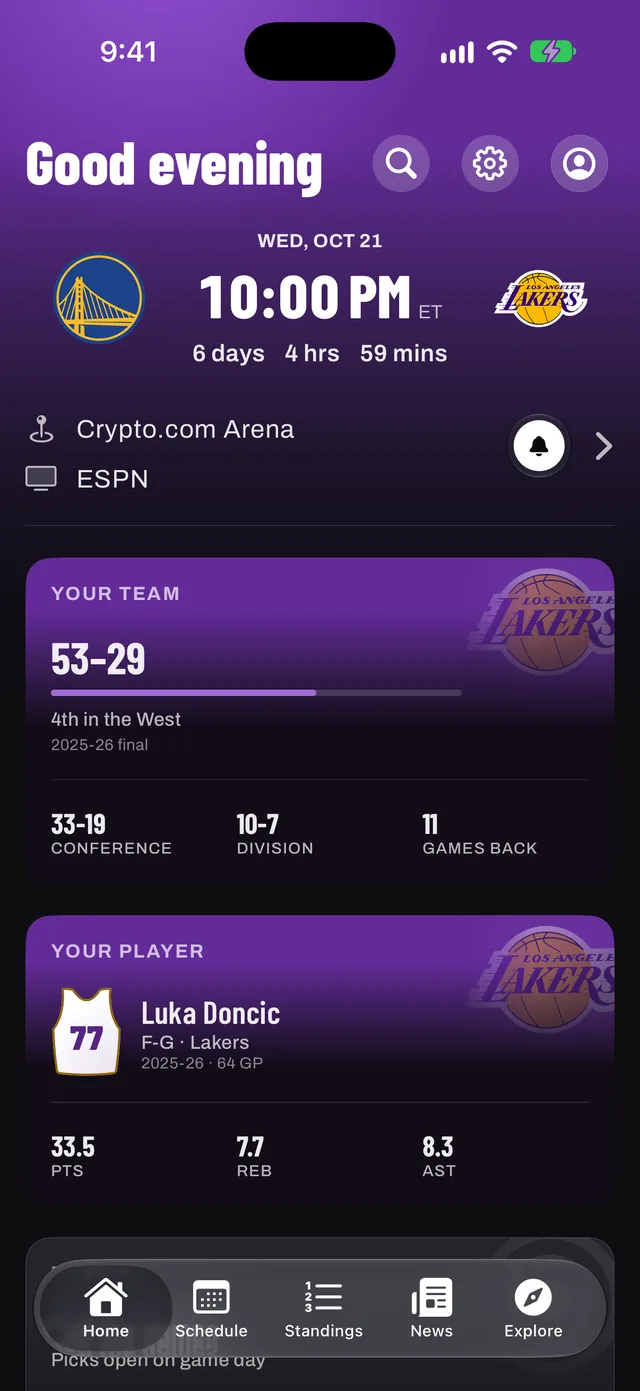
Hide scores everywhere
- In Hoopster, open Settings (the gear on Home).
- Turn on Hide scores.
Final scores stay hidden until you open the game. The switch covers the app, your widgets, Apple Watch and alerts, and the Live Activity pauses so it can't give a game away. Standings and the playoff bracket still show results, so avoid those screens until you've watched.
Reveal one game at a time
When you're ready, open the game and tap Show score. It reveals that game only, with its box score, plays and leaders, and leaves every other score hidden.
Hide scores only at work, automatically
If you only need scores hidden at certain times, let an iPhone Focus do it:
- Open the iPhone Settings app, then Focus, then the Focus you want, such as Work.
- Tap Add Filter and choose Hoopster.
- Leave Hide Scores on and tap Add.
Hoopster hides every score while that Focus is on and puts them back the moment it ends. A Focus never changes your own Hide scores switch.
A few more habits that help
- Mute basketball words and team names in the social apps you use.
- Keep the small Next Game widget rather than a scoreboard widget on your Home Screen.
- Watch first, then open Hoopster for the box score and play-by-play.